I made a drawing and coloring app for kids
It's called Splatterboard. Check it out here at splatterboard.app. It comes with dozens of coloring book pages. You can draw and color by yourself, or with your family and friends, without creating an account or giving any personal information.
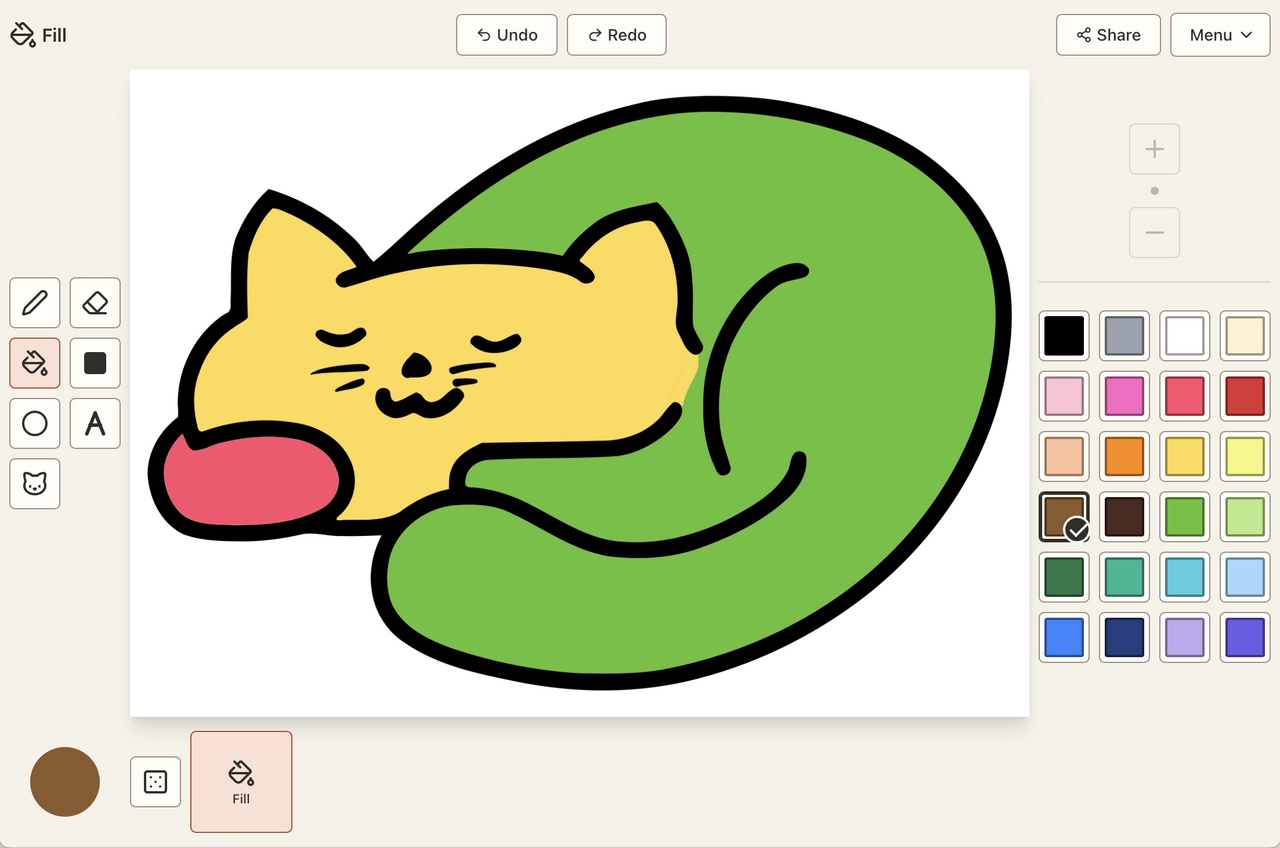
This is the kind of article that's bad content marketing because it just explains why and how I made it, rather than trying to convince you it's something you personally need right now. That's the joy of giving things away for free; I just do the fun parts.
A few months ago, I took my kid on a four hour flight. To prepare, I loaded up the freshly minted travel iPad with PBS Kids and whatever else I could find that was harmless. But the one thing I could not find was a drawing or coloring app that wasn't laden with ads and in-app purchases, or tied to a brand. Does nobody make a decent Kid Pix clone these days? It made me mad, and it made me think about what I could accomplish.
I can do this
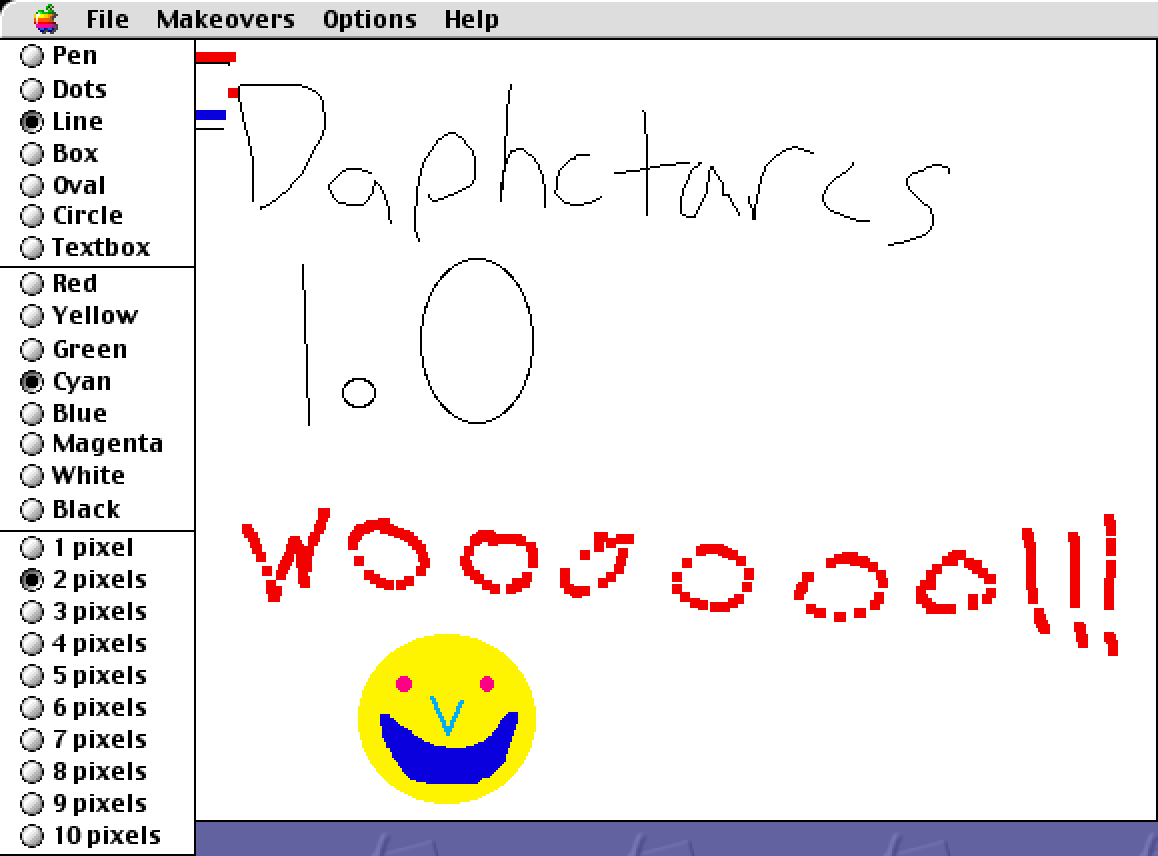
I have a long history with drawing apps. I wrote my first one when I was twelve years old.
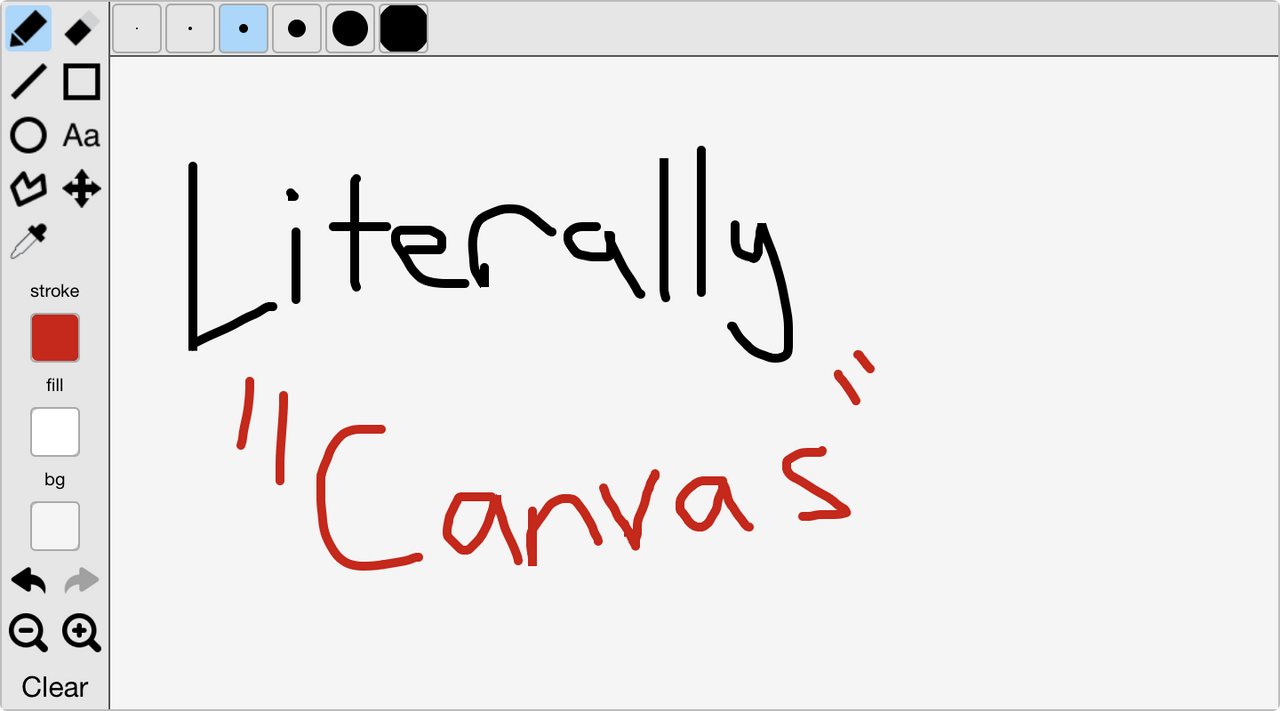
A decade later, I had graduated college, and my skills had evolved enough to write the open source library Literally Canvas. It was a drawing widget that didn't have a ton of practical use for me, but was fun to work on and found its way into learning management systems. Someone even paid me to work on it once!
In 2020, I was suddenly forced to start interviewing engineers remotely, and as a result had a lot of contact with multiuser whiteboards. They all felt like crap to use. I knew I could do better, so I wrote Browserboard. It was a partial success, finding a niche with language and math tutors, and remote art classrooms. Despite its rough edges, I was able to sell it to a company making a learning management system. But after a couple years, the owners disappeared, and the site went offline.

What could Kid Pix look like in 2026?
In the 1990s, the best way to be a kid drawing on a computer was Kid Pix.
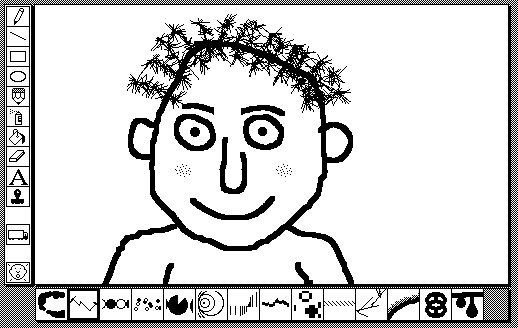
Kid Pix wants you to play. It doesn't want you to pay $19.99 for a monthly subscription or watch an ad. It wants you to use your creative brain: take chances, make mistakes, get messy!
And yet, simply cloning Kid Pix isn't enough. Besides, that's been done.
I came up with these criteria:
- Simple enough for a toddler to have fun with.
- Works on any modern computing device.
- Fun for me to work on. (Critical for a hobby project.)
To fulfill #3, I also decided it would be multiplayer, as in more than one person can draw at a time, and that I would write a “drawing app framework” that I could use for other purposes in the future.
Overengineering a toy for children
A lot of my “drawing app experience” is in API design. Between Literally Canvas and Browserboard, I knew where it was hard to keep good encapsulation across the stack, and where simple abstractions would quickly leak. So the first few weeks of this project were spent just getting the data model and rendering strategies in reasonable shape. I was doing it with Claude Code in mid 2025, which means the output was bad enough to need line-by-line review and constant badgering to avoid a big mess. I had erasers, a couple different strategies for pen strokes with good support for opacity, and simple shapes. And unlike my past projects in this space, I had a comprehensive suite of automated tests for rendering.
Once I had a data-driven rendering model, I moved on to storage and sharing. My past project Browserboard had used a CRDT I designed based on event sourcing and versioned key-value pairs. It was reasonably correct and very resource-light, but it was complex to maintain. So rather than reusing or rebuilding it, I went with Automerge, a collaborative data structure designed by people who know what they're doing. It uses more RAM, but I appreciate having an abstraction layer for storage and sharing, and unlike Browserboard, it doesn't require a server at all.
With those hard problems solved, I could “draw the rest of the owl.” I built the in-app interface with RE:DOM to keep it as lightweight as possible, but I used Vue for the rest of the site since it's a good balance between size and convenience. I made sure the UI is zealously responsive. I sourced public domain coloring book pages from as many places I could find, and made sure the coloring book experience was intuitive. (For example, the pen and paint bucket draw behind the coloring book lines, but stamps go on top.) I chased down performance issues.
I made sure the essential tools were all there. Pen, eraser, fill, spray paint, and stamps from public domain images sourced from another half-started drawing app project of mine. (They're delightfully low-res.)
Losing steam and finding it again
Near the end of 2025, I felt like I was close to finishing. But since this was an app explicitly for kids, I wanted to make sure there were parental controls to lock down sharing with strangers. This is where I lost motivation and dropped the project for a few months. It's just not very interesting to implement and test a bunch of dialogs and restrictions!
It's a good thing I put it down, because when I got back to it, I was able to spot a bunch of UX issues around sharing that I had been too in the weeds to see before. With that new clarity, I was able to wrap things up pretty quickly and test with friends, family, and a sizeable group of coworkers.
What's next
At this point, I'd be happy to leave Splatterboard alone. It works well enough to entertain my kid on a flight, especially since I added the “toddler mode” which disables a lot of the interactive controls.
But it's not Kid Pix. It's not wacky enough. If I get inspired, I'll add more playfulness: new tools, maybe sound effects.
And since I spent all that time writing a data-driven multiplayer illustration framework, maybe it's time to rewrite Browserboard? Time will tell.